How to print
Choose a paper size and layout for home or a local print shop
1. Choose line art, example or both → 2. Save the PDF → 3. Check paper and page selection
Open a coloring page and choose the PDF that matches your paper: US Letter or A4.
- Load plain white paper into your printer.
- Open the PDF in your browser or a PDF reader.
- Select Print, choose portrait orientation, and use Fit to page.
- Check the print preview for cropped edges before printing.
Printing from a phone
Save the PDF and open it in your printer app or a printing service. Check the paper size and margins before printing.
Using the color example
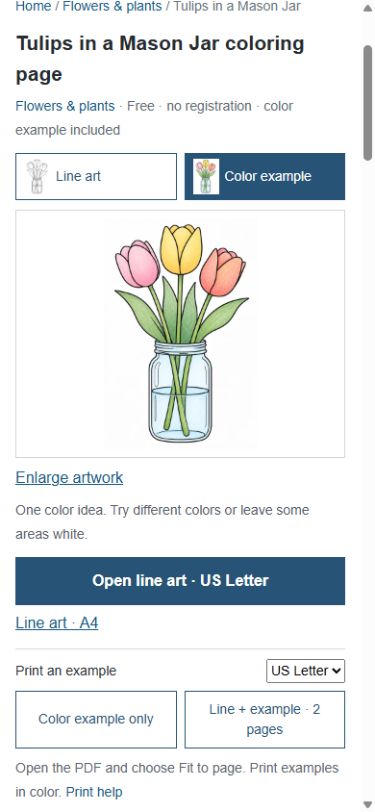
Choose the Color example thumbnail at the top of an artwork page. Use Color example only to print it. You can choose different colors.
When you do not have a printer
Save the PDF and use a document-printing service or print shop. Check the service’s supported files, transfer method and current price. Choose color for the example and black-and-white for the line drawing.
Try on screen without printing