Make your own coloring page with AI
A workflow for creating your own subjects. This site also uses image generation for line art and color examples. Always review generated results.
- Choose paper size, line weight, and coloring-area size first.
- Generate one page with a consistent instruction.
- Zoom in to check stray lines, broken shapes and excessive detail.
- For local changes, select the target area in an editor such as Photoshop and check nearby outlines afterward. Restore the original if unrelated areas change.
- Place the image in a PDF, print one test sheet, then scale production.
Example prompt
Create an A4 portrait coloring page of garden flowers. White background, black outlines, large coloring areas, limited overlapping shapes. No text, shadows, or gray fills. Leave clear margins on all sides.
Line art and color example
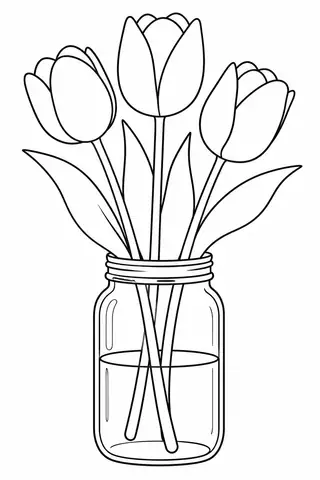
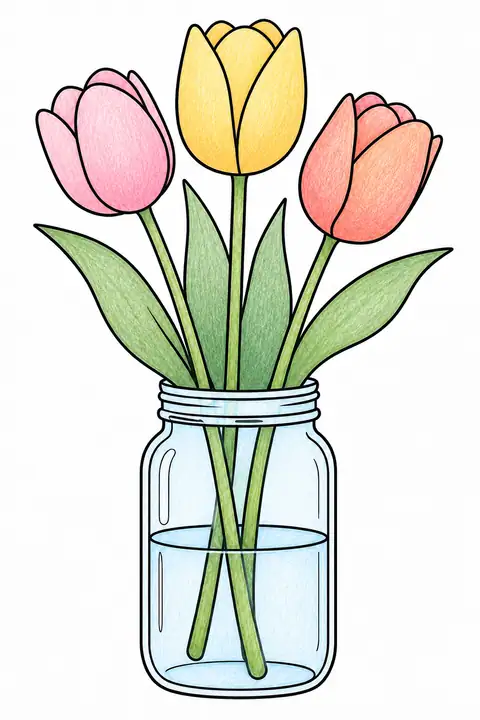 Color exampleTulips in a Mason JarA4 / Letter · free PDF · Broad areas and detail
Official guides
These are official guidance links; no affiliate commission is currently configured. Check rights before using third-party characters or other people’s work in commercial materials.